下载ADB工具
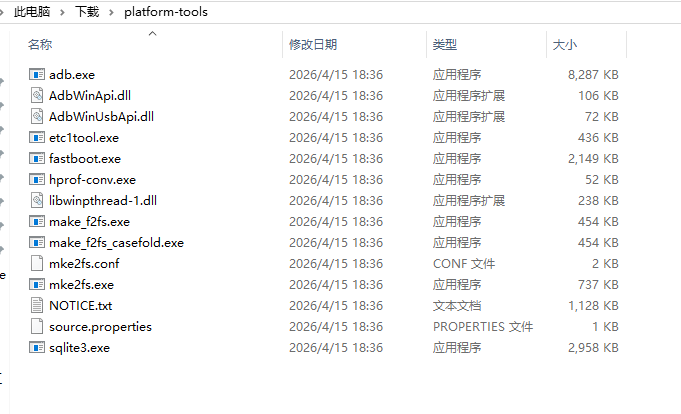
解压出ADB工具
手机打开USB调试并授权
1.设置👉关于手机👉手机版本号👉连续点七下(提示开发者已打开)
2.接着 👉设置👉系统👉开发者模式 找到USB调试 打勾
3.手机连电脑出现授权 勾选点允许
打开电脑的cmd
在adb工具目录下 按住Shift键+鼠标右键 在此处打开CMD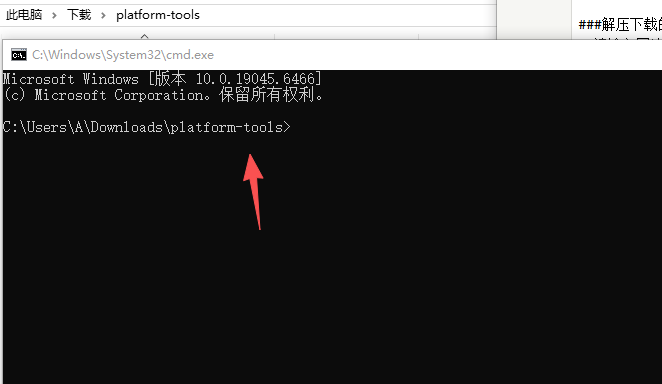
cmd一行一行输入以下命令
输入一个命令回车一下
adb shell settings delete global captive_portal_https_url

adb shell settings delete global captive_portal_http_url

adb shell settings put global captive_portal_http_url http://connect.rom.miui.com/generate_204

adb shell settings put global captive_portal_https_url https://connect.rom.miui.com/generate_204